Modes
Just the article, or the whole page
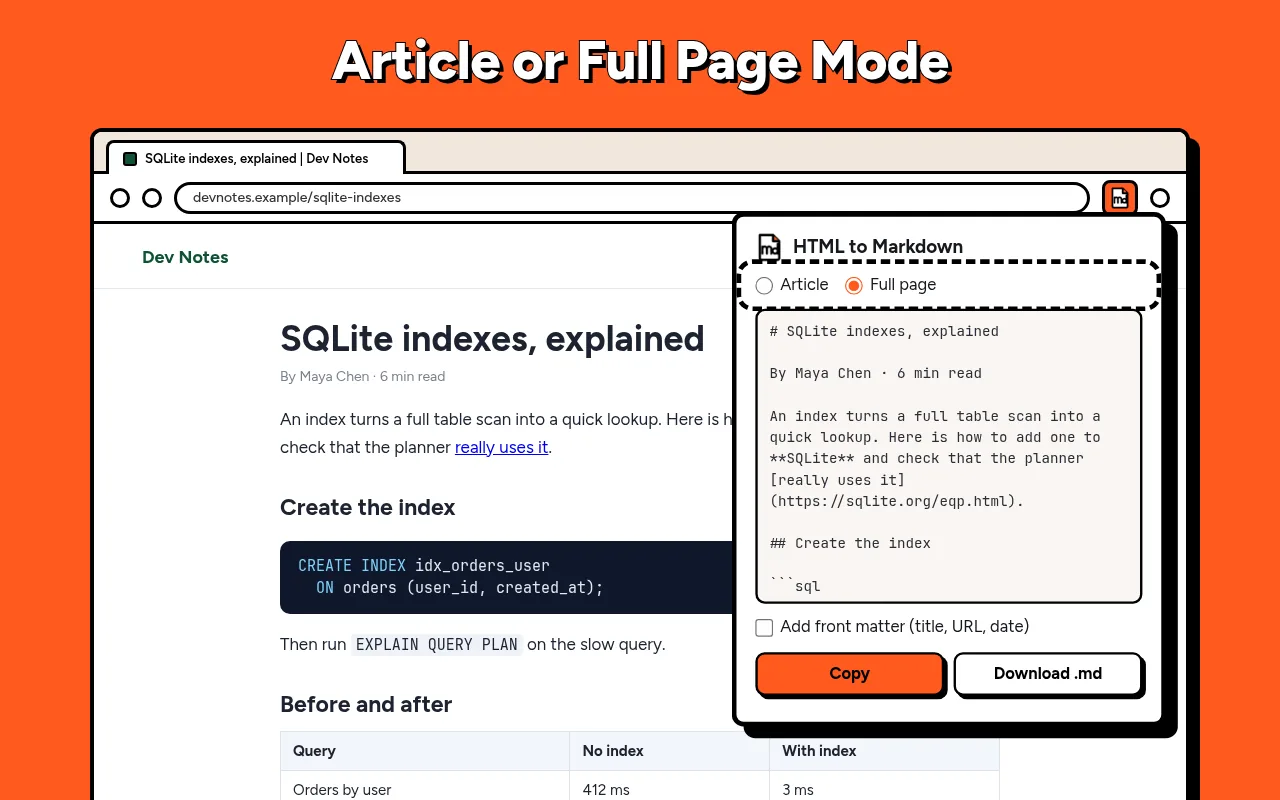
Article mode finds the main text and drops sidebars, cookie banners and footers. Full page mode keeps everything. Pick once, and the extension remembers your choice.
 HTML to Markdown
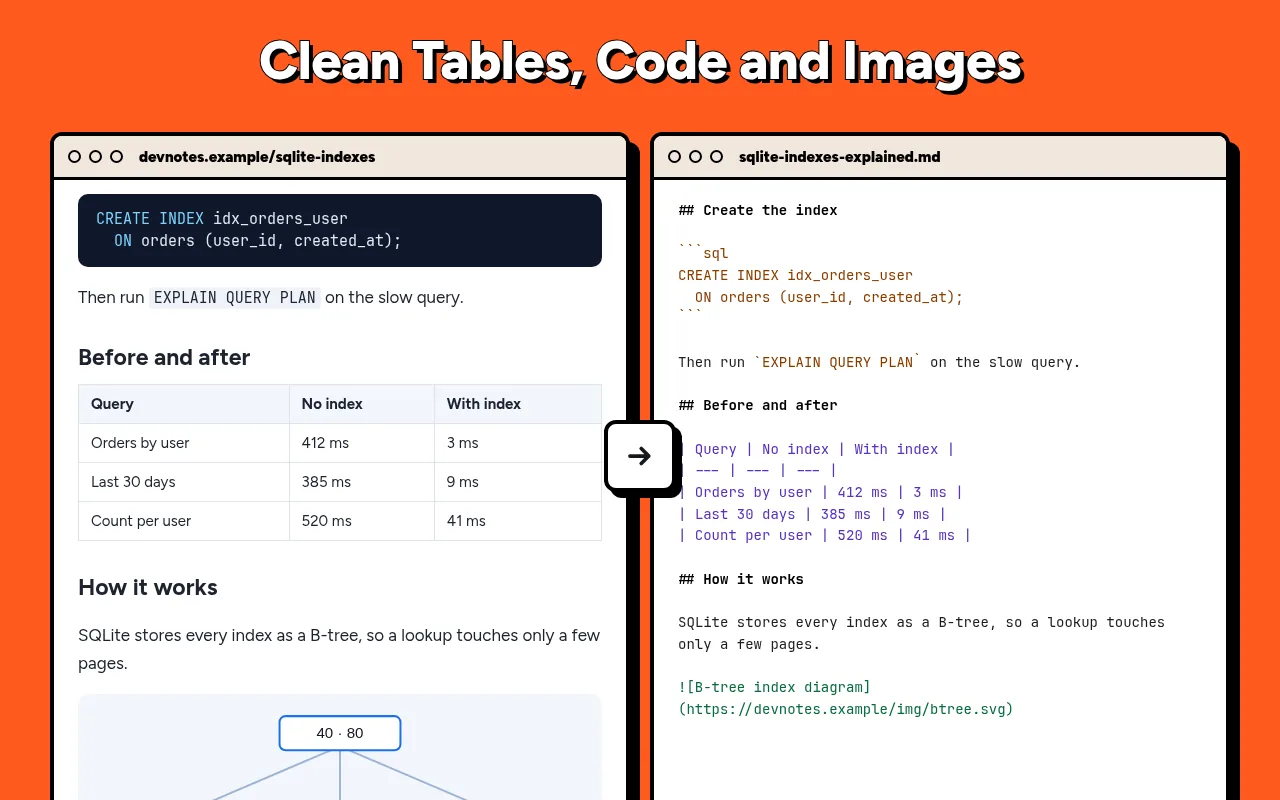
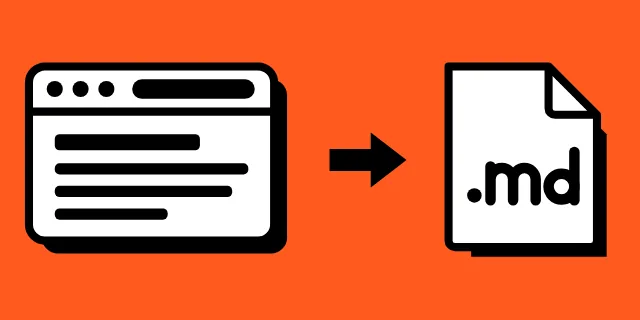
Press one button, and the page you are reading turns into tidy Markdown. Copy it or save a .md file for your notes, your docs or an AI chat. Nothing leaves your browser.
Article mode finds the main text and drops sidebars, cookie banners and footers. Full page mode keeps everything. Pick once, and the extension remembers your choice.
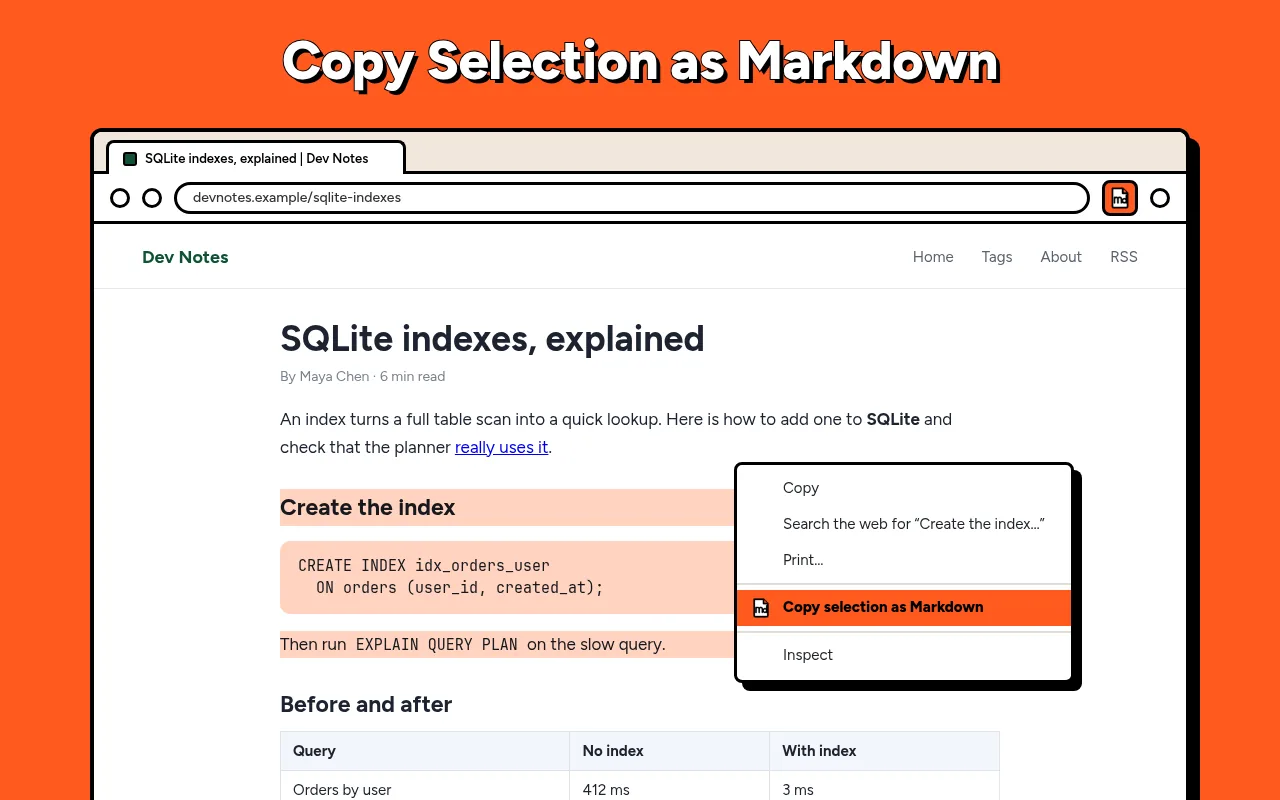
Select a paragraph, right-click and copy just the selection. A right-click on a link copies it with the page title as the text, and on a table it copies that table alone.
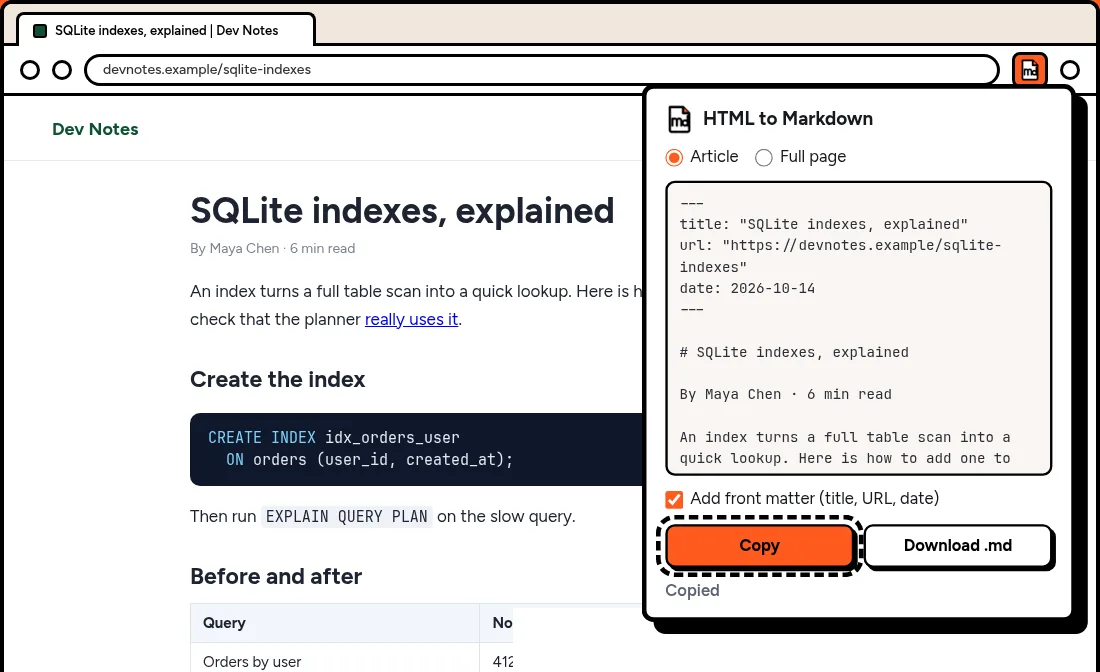
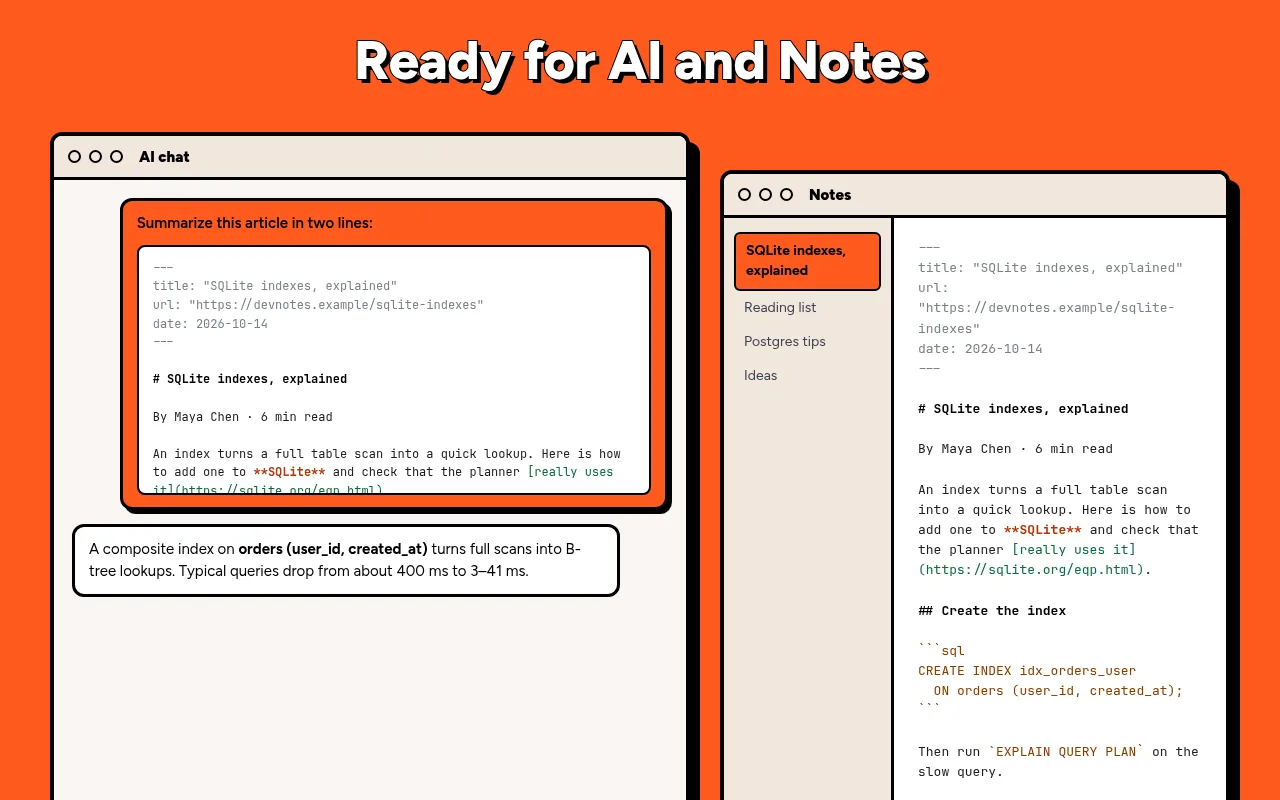
Download saves a .md file named after the page title. Front matter can add the title, the link and the date, so the note keeps its source. Paste the text into an AI assistant, and it reads only the content: no menus, no scripts, a shorter prompt.
The extension reads a page only when you click it, and the conversion runs inside your browser. It does not collect your history, does not track you and does not send content anywhere. There is no account and nothing to upload.
Open the page, click the extension icon and press Copy or Download .md. Alt+M copies the page without opening the popup.
Most articles, docs and blogs work. Text drawn inside images or a canvas cannot be read.
No. Convert as many pages as you want, one tab at a time.
A short header at the top of the note with the page title, its link and the date. Turn it off to get a clean body only.
No. Everything happens locally in your browser, so private pages stay private.